
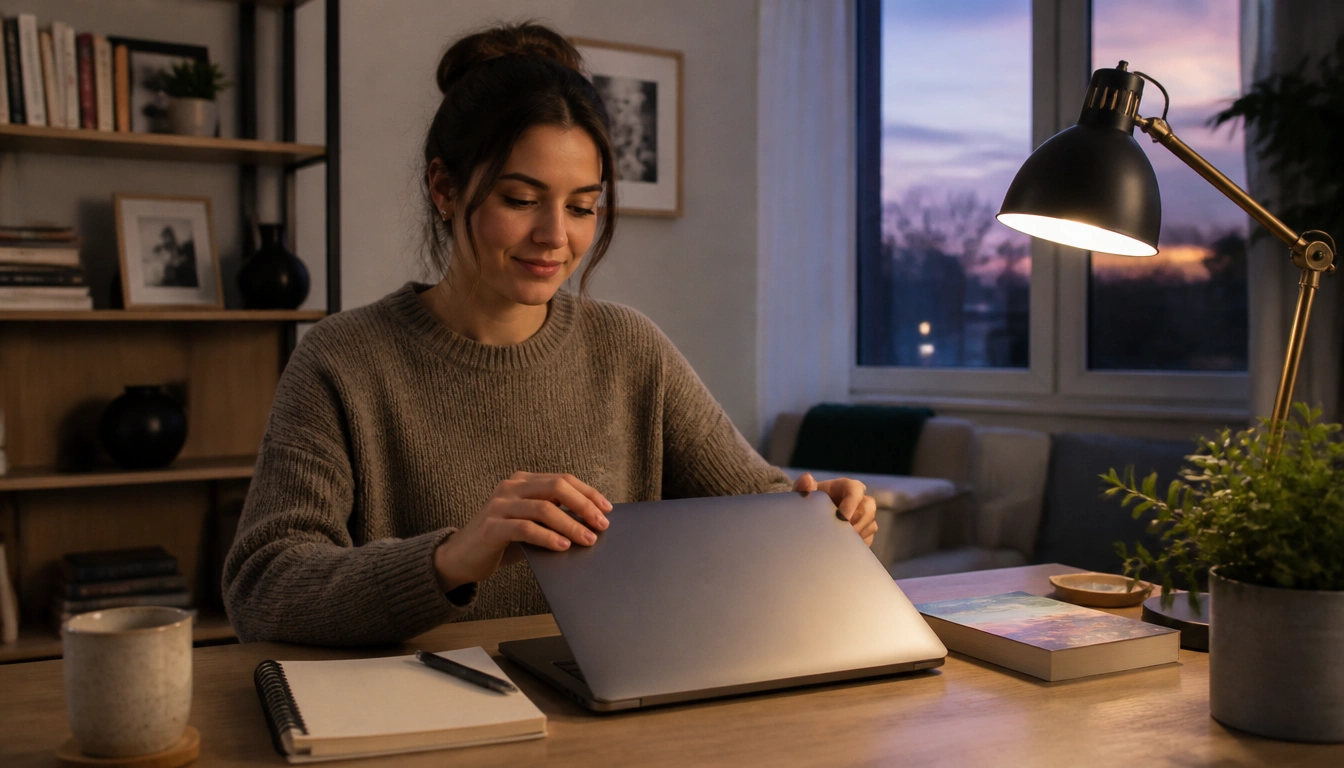
Yes—you can end your workday and wind down without screens, even if you work from home. The most reliable approach is to create a deliberate shutdown ritual, move physically out of work mode, and replace scrolling with a short, repeatable evening routine. If you truly need screens at night, lower stimulation as much as possible and keep the habit temporary rather than default.
Key Takeaways
- Remote work often blurs the line between work and rest, so ending the day on purpose matters as much as starting it on time.
- A shutdown ritual works best when it includes closing work tools, writing tomorrow’s task list, and using a clear signal that work is finished.
- Moving rooms, leaving the workspace, or taking a short walk helps your brain shift out of work mode.
- A screen-free evening routine is easier to keep when it is small, repeatable, and built from low-stimulation activities you already enjoy.
- If screens are unavoidable at night, reduce brightness and use filters, but recognize they only partly reduce the problem.
- If poor sleep persists despite good habits, or if snoring, daytime impairment, or other symptoms are present, it may be time to seek medical advice.
Why remote work makes evenings harder for sleep
Remote work can make the end of the day feel fuzzy. You finish one message, notice another, and suddenly your work brain is still active while your home life is already underway. That overlap is one reason a screen-free evening routine for remote workers can be so useful: it creates a clean handoff between work and rest.
Screen use at night affects sleep in two main ways. First, the light itself can interfere with the body’s sleep timing. Public health and sleep guidance from organizations such as the CDC and the NHS notes that evening light exposure can reduce melatonin signaling, which makes it harder to feel sleepy at the right time. Second, screens are mentally engaging. Email, news, social feeds, and even harmless browsing keep attention on alert, which can delay the shift into a calmer state.
That mental alertness matters even if you do not feel “wired.” Sleep is not only about closing your eyes; it is about letting your nervous system downshift. Remote workers often need help with that downshift because the same device used for work also delivers entertainment, errands, messages, and unfinished tasks.
The remote-worker shutdown ritual
A hard shutdown ritual is the bridge between work and evening life. It works best when it is repeatable and specific, not vague. Think of it as a signal to your brain that the workday is complete, even if your office is a corner of the bedroom or dining table.
Start with three steps. First, physically close the laptop and put away work items such as your mouse, notes, or headset. Second, write tomorrow’s task list before you step away, so unfinished work is no longer floating in your head. Third, use a visible end-of-work signal such as turning off a desk lamp, closing a door, covering the workspace, or packing your laptop into a bag.
This matters because open loops keep attention hooked. If your brain believes it must remember a task, it is more likely to keep returning to it at night. A brief task capture routine tells your mind, “This is stored; I do not need to rehearse it now.” According to NHS guidance on sleep habits, having a predictable wind-down routine can support better sleep by reducing the chance that work bleeds into bedtime.
If you share a home with others, make the signal obvious. A closing routine works better when the end is visible to you and to the people around you. You do not need a dramatic ceremony; you need a consistent one.
Build your screen-free evening routine step by step
The easiest routine is the one you can repeat on an ordinary Tuesday. Instead of trying to redesign your whole night, build a short sequence that begins right after shutdown. The goal is not perfection. The goal is to make screen-free behavior the default for the last part of the day.
A practical flow looks like this: leave the workspace, change rooms if possible, and do one transition activity before settling into your evening. That might be a short walk, getting a glass of water, changing into comfortable clothes, or making tea. The physical shift matters because it helps your body register that the work environment is over.
From there, choose one calming block before bed. Many people do well with 20 to 60 minutes of low-stimulation time, especially when they are trying to reduce late-night scrolling. Guidance from the NHS and other sleep organizations commonly recommends avoiding screens in the last part of the evening, ideally at least 30 to 60 minutes before bed and sometimes longer if you are sensitive to stimulation.
If that feels too abrupt, step down gradually. For example, you might start with one screen-free evening on weekdays, or keep the last part of the night screen-free while still allowing earlier use. Night owls often do better with a gradual shift than with a strict cutoff they cannot maintain. A sustainable routine beats an ideal one you abandon after two nights.
Analog wind-down menu
The best replacement for scrolling is not a new rule. It is a menu. When you know what to do instead of picking up your phone, you remove a lot of decision fatigue. A good wind-down menu should feel pleasant, easy, and low pressure.
Useful non-screen options include:
- Reading a physical book, magazine, or printout under warm light.
- Stretching gently, doing restorative yoga, or lying on the floor and breathing slowly.
- Journaling a few lines about the day, tomorrow’s priorities, or what you want to let go of.
- Breathing practice or a short meditation with no device in hand.
- Music or ambient audio played without active screen use.
You do not need all of these. Pick two or three that are easy to start. If your evenings are stressful, choose options that lower mental load rather than require energy or creativity. The best replacement habit is the one that competes well with scrolling.
It can also help to pair activities with a cue. For example: after closing the laptop, read for 15 minutes; after that, stretch for five minutes; then brush your teeth and get ready for bed. Repetition matters more than variety. The routine should feel like a sequence your body learns, not a performance you have to execute perfectly.
How to handle unavoidable evening screen use
Some evenings will require screens. You may be caring for a child, answering a truly urgent work issue, navigating travel, or using a device for a reason that cannot be postponed. The goal in those moments is not zero screen exposure. It is to reduce stimulation as much as you reasonably can.
Lower the screen brightness. Turn on built-in blue-light filters or night mode if your device has them. If you use glasses marketed for blue light, understand their limits: they may reduce some light exposure, but they do not remove the mental activation that comes from checking messages, browsing, or problem-solving. That is why they can help, but they do not fully solve the issue.
If the task is optional, keep it brief and specific. Avoid open-ended use like “just catching up on a few things,” because that is how one check becomes a long session. If possible, keep the screen out of the bedroom and avoid switching from one digital task to another once you are already trying to wind down.
For unavoidable work use, set a clear stop time in advance. For caregiving, keep the device use functional rather than entertaining. The more the screen becomes a tool instead of a pastime, the easier it is for your brain to release it afterward.
Make the routine stick with boundaries and phone parking
A routine works better when the environment supports it. If your phone sits next to your pillow, willpower has to do too much work. If your laptop stays open on the dining table, your mind is more likely to treat the day as unfinished.
One of the simplest supports is phone parking. Put your phone on charge outside the bedroom or across the room, and use an alarm clock if needed. This removes the easiest path to late-night checking. If you need your phone nearby for family or safety reasons, place it where you can hear it but not reach it automatically.
Workspace boundaries matter too. If home is also the office, make a habit of leaving the work area at the end of the day, even if that means walking to another room and staying there. A short outdoor walk can be especially helpful because it adds physical separation and, when available, some natural light exposure before evening darkens further.
Morning task capture can also protect the evening. If you know tomorrow’s first steps are written down, you are less likely to mentally rehearse them at bedtime. That reduces the sense that you must keep checking or planning after hours. The combination of a shutdown ritual, a phone boundary, and a clear next-day list is often more effective than any single tactic alone.
Shared homes need a little extra planning. If other people are still active in the evening, let them know when your workday is done and what your own boundary looks like. A visible routine makes it easier to protect, because it is no longer just a private intention.
Common mistakes that keep remote workers mentally on at night
One common mistake is trying to quit screens without replacing the habit. If scrolling has become your default way to decompress, removing it without a substitute often leads to boredom, frustration, or relapse. That is why a wind-down menu matters: it gives your brain somewhere else to go.
Another mistake is mixing work closure with entertainment. Checking one more message, then one more headline, then one more clip can keep the nervous system in a state of alertness long after work is over. Even when the content is not stressful, the pattern of rapid switching can keep attention fragmented.
People also underestimate how long it takes to settle down. If you have spent all day in front of a screen, expecting your mind to go quiet the moment you close the laptop may be unrealistic. Give yourself a transition period that is simple enough to repeat, and avoid judging the routine by one bad night.
Finally, night owls often make the mistake of copying an early-riser routine that is too strict to maintain. A gradual shift is usually more sustainable than a hard curfew that creates resentment. If your schedule naturally runs later, reduce stimulation step by step instead of trying to force an overnight personality change.
When poor sleep may need medical evaluation
Habit changes are useful, but they are not the answer to every sleep problem. If you have already made a consistent effort to reduce evening screen use and your sleep is still poor after several weeks, it may be time to look beyond sleep hygiene. Chronic insomnia, sleep apnea, anxiety, depression, and other conditions can all affect sleep.
Professional evaluation is especially important if you have heavy snoring, pauses in breathing during sleep, frequent waking, unrefreshing sleep, or significant daytime fatigue that affects work or safety. Mood changes, persistent anxiety, and trouble functioning during the day are also good reasons to ask for help. The NHS and other health bodies recommend speaking with a primary care clinician when sleep problems are ongoing or clearly affecting daily life.
A healthcare professional can help you tell the difference between a habit problem and a medical sleep disorder. That distinction matters, because a screen-free routine may help with sleep timing and mental unwinding, but it cannot replace treatment when an underlying condition is present.
If you use melatonin or consider it, treat it as a short-term or supervised tool rather than a substitute for routine and environment changes. Behavioral habits are still the foundation of a more stable evening pattern.
Frequently Asked Questions
What should I do instead of scrolling or checking email after work?
Use a short replacement list that is easy to start: read a physical book, stretch, journal, listen to music, or do slow breathing. The best substitute is something low-stimulation that feels restful rather than productive.
How long before bed should I stop using screens?
Many sleep guidelines suggest avoiding screens for at least 30 to 60 minutes before bedtime, and some people do better with a longer buffer. If you are sensitive to late-night stimulation, a gradual earlier cutoff may help more than a sudden change.
What if I have to use a screen at night for caregiving or work?
Keep it as short and functional as possible. Lower brightness, use a blue-light filter if available, and avoid turning the session into open-ended browsing. These steps can reduce stimulation, but they do not fully remove it.
How do I stop my phone from keeping me mentally on-call in the evening?
Create a clear boundary: park the phone away from the bed, turn off nonessential notifications, and write down tomorrow’s tasks before you stop work. That combination helps your brain trust that nothing important will be forgotten.
What if I’m a night owl and a strict early cutoff feels unrealistic?
Use a gradual step-down instead of an abrupt rule. Move screens earlier in small increments, keep your shutdown routine consistent, and focus on reducing stimulation rather than forcing a bedtime that does not fit your natural rhythm.
The Bottom Line
A screen-free evening routine works best when it is built around a clear shutdown ritual, a physical break from the workspace, and a short list of non-screen activities you can repeat without much effort. For remote workers, that structure is often what keeps work from leaking into the entire evening.
If screens are unavoidable, reduce brightness and keep the use functional rather than endless. If sleep still does not improve, or if symptoms like snoring, frequent awakenings, or daytime impairment are present, it is worth discussing the problem with a clinician instead of assuming it is only a habit issue.
Medical disclaimer
Medical disclaimer: This content is for educational and informational purposes only and is not a substitute for professional medical advice, diagnosis, or treatment. Dietary needs and supplement suitability vary by individual.
Sources
- National Institutes of Health (NIH) — nih.gov. Accessed October 2026.
- National Health Service (NHS) — oxfordhealth.nhs.uk. Accessed October 2026.
- National Health Service (NHS) — www.nhs.uk. Accessed October 2026.
- National Health Service (NHS) — pictonpcn.nhs.uk. Accessed October 2026.
